

13 Feb Preserving Digital Legacy by Ryan Guerin


In today’s digital world, our lives are captured and documented using the latest technology.
From birthday parties to family holidays or special memories captured on a smartphone, photos have become the modern way to preserve those special memories. But have you ever stopped to think how those digital memories will be passed on when you are no longer here to manage them?
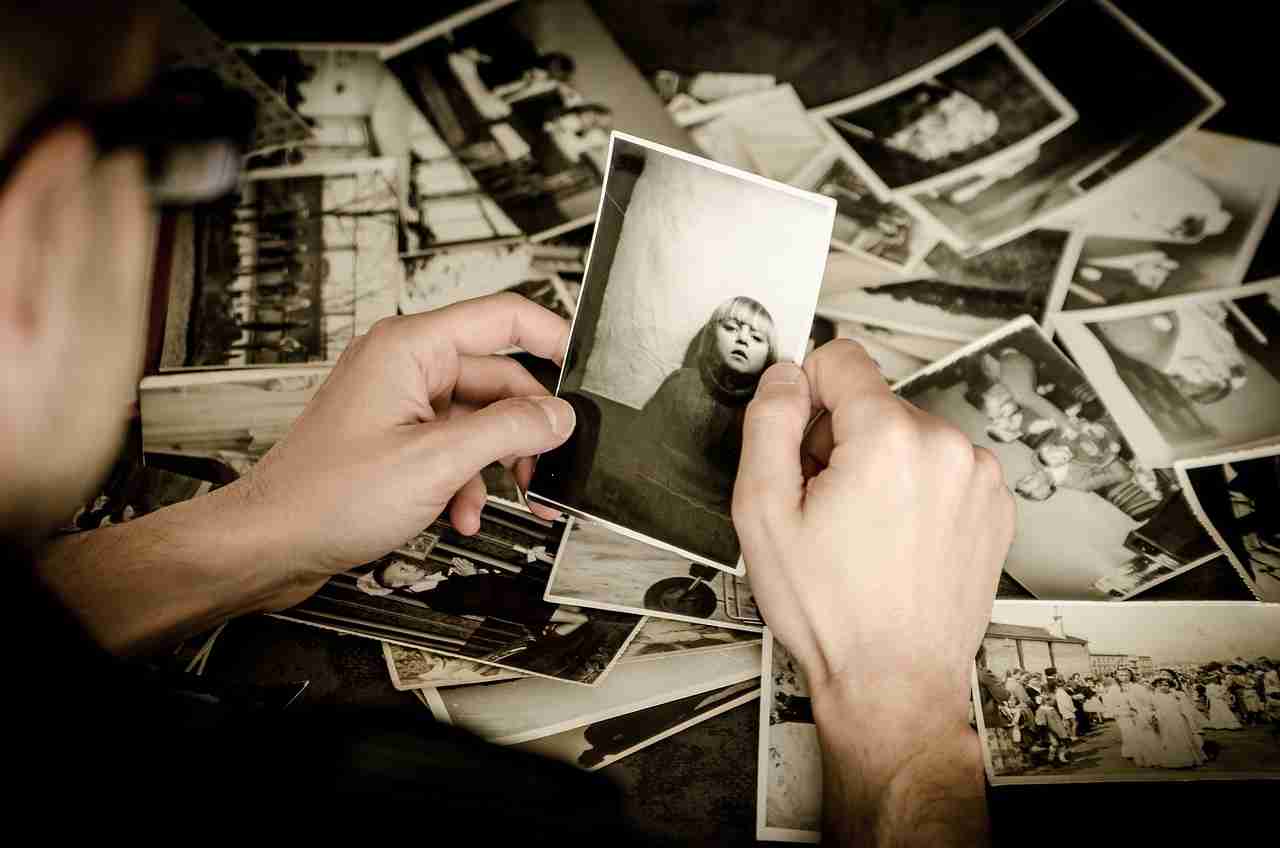
In times gone by, we would store albums upon albums, all categorised, and some noted to remind us of the event, year, and location. But now that we have moved onto technology more than ever before, are we maintaining those good practices of record keeping when it comes to our computers and smartphones?
As a Funeral Director, I very regularly deal with photographs. Whether it be for printed service booklets or creating photo slideshows for the family to use as part of their funeral service, some of those photos are from albums stored at home, and the more recent pictures provided are shared from a digital device. All too often, I am shown photos on client’s phones, but they are not too sure about how they can share them with me. This got me thinking about the importance of these photographs and the easy way they could be lost forever if not managed carefully.
What if the phone is lost or broken? Is the phone set up to back up images and files?
What if you lose access to your online social media platform or it ceases to exist, as happened a few years back with the closure of Myspace?
What happens if your photo files become corrupted?
What happens if you should pass away? Do your family know where digital files are stored or how to access them?
These are all questions we need to be asking ourselves.
My phone is full of memories, from the day my children were born to their first words and steps. The thought of losing these images fills me with dread, and that is why I felt the need to talk about this important subject. So, from me to you, here are a few tips and tricks to ensure that your memories are preserved and available for generations to come. We have the best technology to preserve our family history and memories, so let us do something about it together.
Back up your photos in more than one place.
Many phones come with the option to back up your information. Companies such as Google and Amazon provide some of the most well-known cloud services. This can be linked to your phone to automate the process of backing up your pictures and files. A good rule for backups is the 3-2-1 method. Keep three copies of your photos on two digital devices and one physical copy stored at home. The two digital storage devices could be an online cloud service and an external hard drive.
Organise with Location and Descriptions
Did you know your phone can add digital information to a picture such as locations and dates? The easiest way to do this is to turn on your location settings within your phone’s settings. This will automatically add locations to pictures along with the date it was taken. You can add your own description if the picture needs more context.
Print your favourite photos.
So many online services now offer to print your pictures for as little as a few pence per picture. Some online providers even offer 30 photographs per month, which will be printed for free. You can also easily have a printed digital album sent straight to your door as offered by Google Photos and Amazon Photos.
Set up auto backups on your phone.
Personally, I use Google Photos to do this, although there are other trusted providers. This will ensure that periodically, the photographs taken on your phone will automatically be saved elsewhere, and you can then access them should your phone be lost, stolen, or broken!
Share with Family
Ensure your loved ones know where your pictures are safely stored and how to access them. You may need to confide your passwords to a trusted person to ensure the pictures are accessible and never lost.
Create a Digital Will
As part of creating a will, it is important to ensure you make a digital will highlighting any digital assets. These assets could be your photographs, online bank or saving accounts etc. Anything that needs computer access and a password. Note that you should refrain from sharing any passwords unless it is with a trusted person.
Set up Legacy Contacts
Some online platforms such as Google and Facebook allow you to add a ‘Legacy Contact’ to your account. This allows your contact to manage your content, which becomes memorialised when you pass away.
Final thoughts
Photos are a wonderful way to document our lives and the events that shaped our own history. They remind us of where we have been, those that we loved, and everything we have experienced. Technology is a wonderful thing and should be embraced, but that does not mean to say it comes without flaws. Digital photographs and files are very fragile when you look at them closely, and the technology needs care to preserve your special memories.
So, book some time into your diary to learn about backing up your photos, and organise them with the help of your loved ones. There will be a time when your family and future generations will thank you for the time you have taken today to preserve their family history.
Ryan Guerin